Twitch clip player for OBS
Take a break.
Let your Twitch
clips play.
Turn your Twitch highlights into a BRB or Starting Soon screen. Choose your clips, save your overlay, and add it as a browser source in OBS.
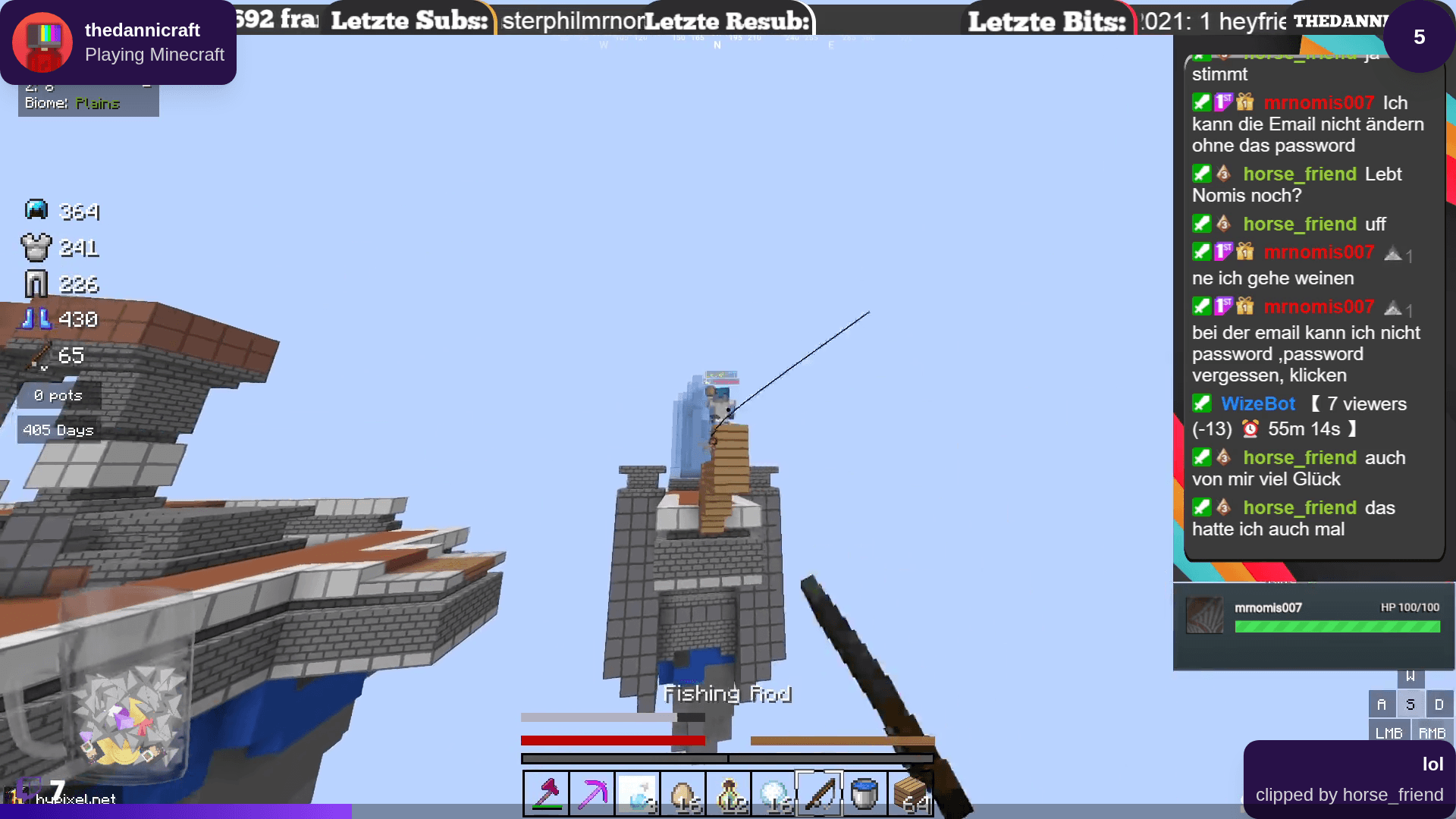
Your highlights. Still on stream.
From highlights to your next break
Your clips. One browser source.
Set up your player in Clipify. Bring it into the scenes you already use in OBS, Streamlabs, or other software with browser sources.
- 01
Connect Twitch
Sign in with Twitch to set up your Clipify account and manage your clips.
- 02
Choose what plays
Pick your clips, create a playlist, and save an overlay for your break scene.
- 03
Add it to OBS
Copy your overlay URL into a browser source. Switch to your BRB scene and let your clips play.
Made for your next stream
Your best moments deserve another round.
The clutch. The perfectly timed joke. That one moment chat still talks about. Bring them back while you grab a drink or get ready to go live.
Keep your clips and stream setup in one place, ready for the next time you switch scenes.
See how playlists, scene styling and live controls fit together.
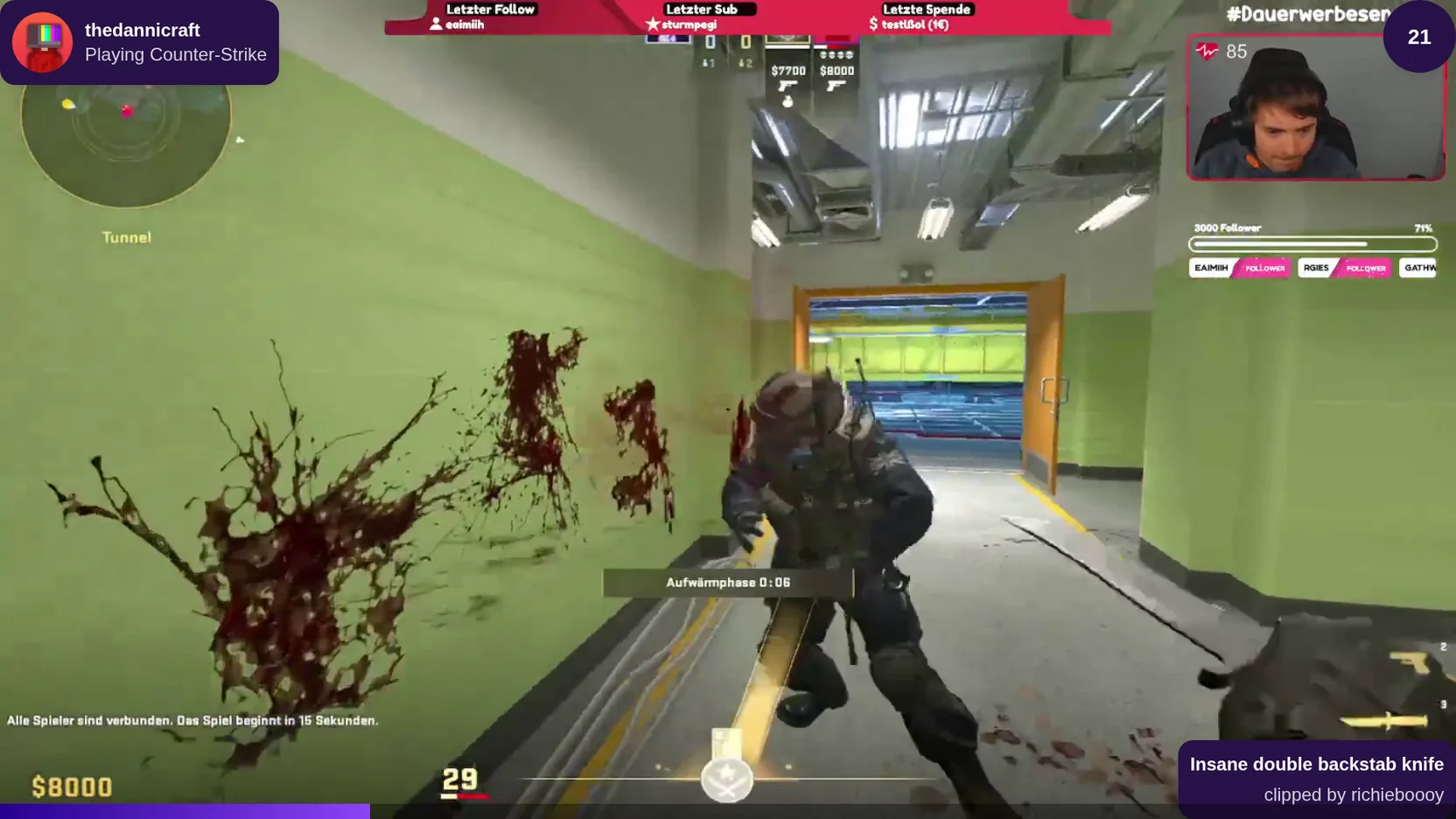
Choose what plays
Build a playlist of the highlights you love. Reorder it, leave out clips that no longer fit, and keep a selection ready for each stream.
Build your playlistMake it feel like you
Bring clips into your BRB or Starting Soon scene. Explore layouts, colors, fonts, timers, and progress styles in Theme Studio.
Explore scene stylingKeep the show moving
Skip a clip, pause playback, or let a trusted moderator take the controls while you are away from your desk.
See playback controlsStart free. Make it yours.
Start with your next break.
Get your first clip playlist on stream for free. No card required.
Free
Everything you need to get your clips on stream and online.
Free
- Unlimited Twitch clips
- One overlay and one 50-clip playlist
- One branded website gallery
- A shareable Creator Page
- Basic website Clip Player
- Manual Runner with unlimited hours
Pro
Advanced control, customization, and insights for serious creators.
€20.00/per year
- Unlimited overlays, playlists, and galleries
- Advanced filters and playback modes
- Theme Studio and website customization
- Remote controls, chat, and channel points
- Editors and managers
- Creator analytics, exports, and advanced Runner
Your subscription directly supports an independent developer building Clipify.
Agency or enterprise?
Manage multiple independent creators, team permissions, and centrally assigned Pro seats with custom commercial terms.
Before your next stream
Questions before your next stream.
Find setup instructions, troubleshooting, and the details in the Help Center.
Read the setup guideYour next break, covered
Step away. Keep the highlights rolling.
Build a break screen with the clips that make your channel yours.
Start free with Twitch